A Desk You Can Actually Work At
A home office should put the things you use daily within reach and give equipment, paper and supplies clear places. The room may also be sharing space with the rest of the home.
Why It Matters
A cluttered desk makes it harder to find things and harder to move between tasks. A workspace that is set up properly gives documents, equipment and supplies a place, and helps the work feel separate from the rest of the home.
Clear The Desk
Take everything off. Only put back what you use every day:
- Computer and peripherals
- A notepad or planner
- A few pens, not thirty
- Phone and charger
Everything else goes into drawers, shelves or a filing system. Reachable, but not in your eyeline.
Deal With The Paper
Paper is a common problem in home offices. Three categories can be a useful starting point.
Active
Current things, in a desktop organiser or one drawer. If you look at it weekly, it belongs here.
Archive
A filing cabinet or labelled boxes for what has to be kept but is rarely opened. Label by year and category.
Digital
Scan new documents and store them properly. Searchable, no shelf space, and backed up.
Cables
Tangled cables are visual noise and they make the desk impossible to clean.
- A cable tray under the desk
- Velcro ties to bundle cords
- Wireless where it is practical
- One power board rather than four adapters
Supplies
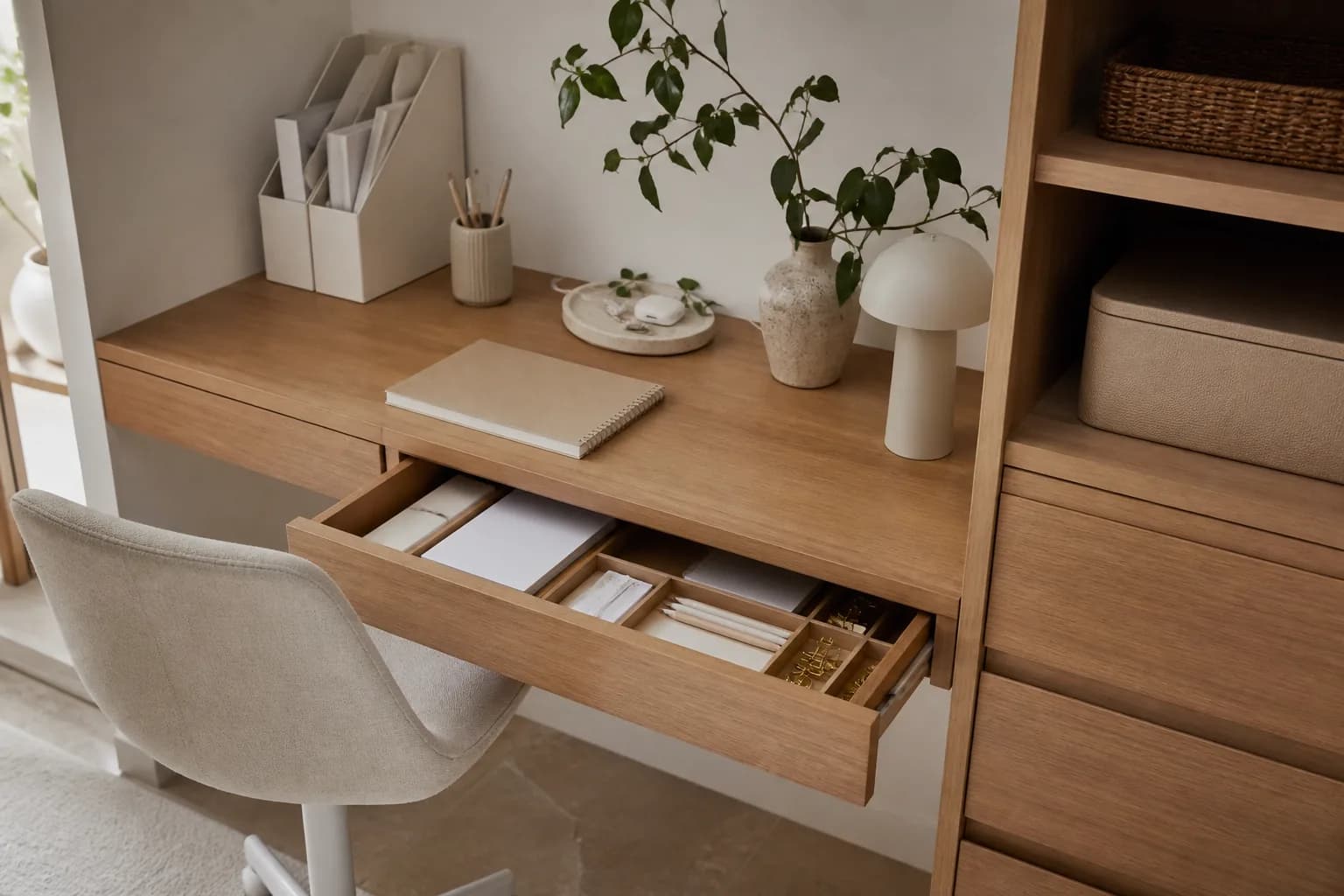
Drawer dividers do most of the work here:
- Daily things in the top drawer
- Reference material and backups lower down
- Stationery grouped by type rather than tipped in together
Layout
Use natural light where the room allows it. Position the monitor, chair and daily equipment for comfortable access, adjusting them to the person using the desk.
Where Work Stops
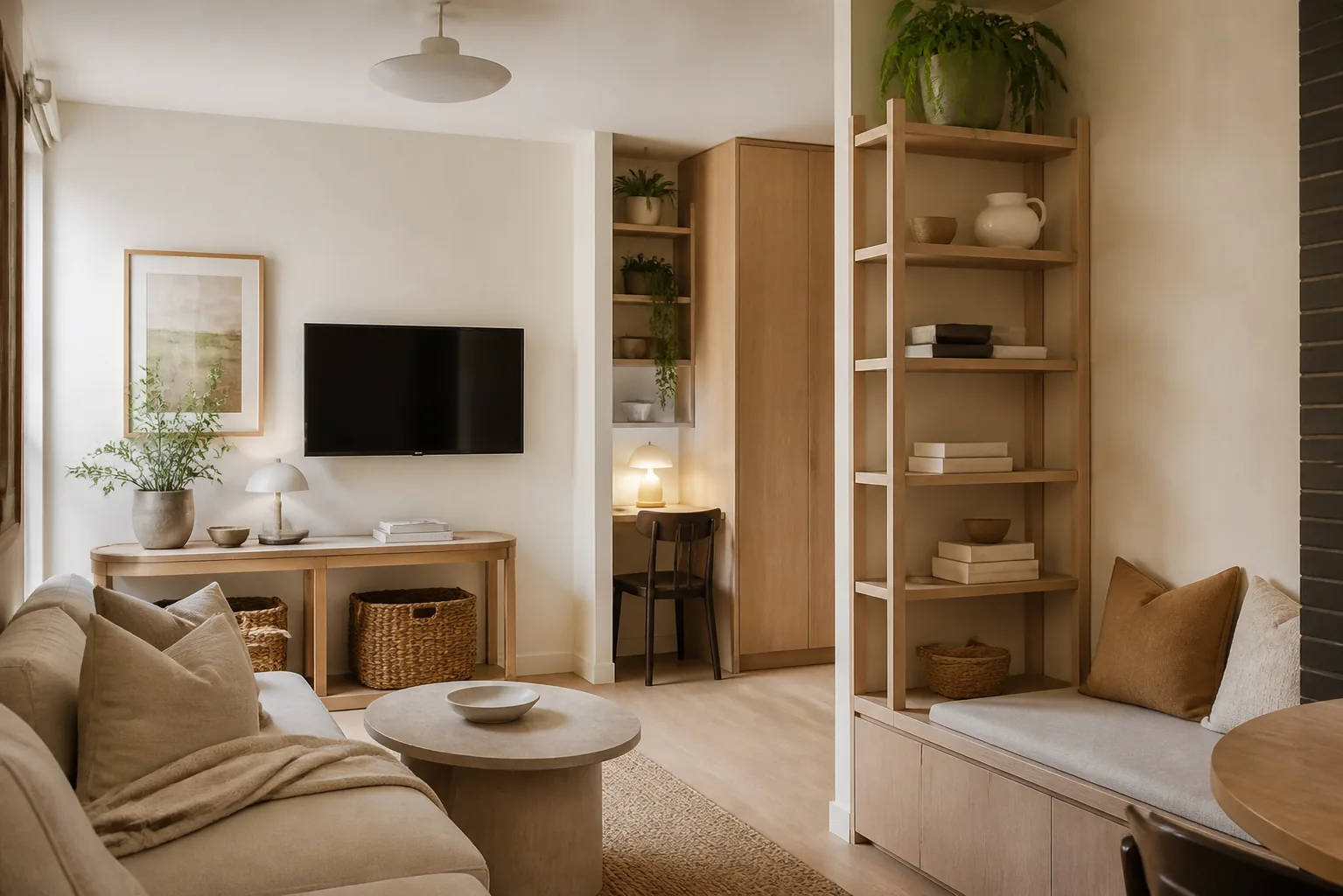
If the office doubles as a guest room or sits in the living area, you need some kind of boundary. A divider, a change in lighting, or simply shutting the laptop at a set time. Without one, the work is always slightly present.
When The Desk Is In The Living Room
Where there is no separate office, the workspace may sit in a bedroom, dining room or nook and need a clear pack-down plan.
A daily system that works:
- Active work in one tray or drawer
- Stationery in a divided container
- Cables grouped and labelled
- Archive paperwork away from the desk
- Surface reset at the end of the day
If more than one person uses it, label the shared supplies and give each person a small personal zone so shared and personal items do not blur together.
Filing, And Its Limits
We can help with the physical categories. We are not accountants or lawyers, and anything needing professional review should go into its own folder and to the right person.
Useful starting categories include:
- Current action
- Tax and financial
- Medical
- School and family
- Home, insurance and warranties
- Archive, by year
- Shred or recycle
The aim is fewer loose papers, not an elaborate system nobody will maintain.
Products Worth Having
| Product | Best for |
|---|---|
| Desktop tray | Current action items |
| Drawer dividers | Pens, chargers, stationery, small tech |
| Cable ties | Power cords and chargers |
| Labelled folders | Documents that have to be kept |
| Storage boxes | Archive paperwork and backups |
| Compact shelving | Shared supplies or the printer |
For hands-on help, book home organisation and tell us the office is the priority.
Getting Help
If the office needs a full reset, we can sort the physical paperwork, plan filing categories and set up storage around how you work. Timing depends on the room, the volume and the documents that need your decision or professional review. For something broader, there is whole-home organisation.
Call 0420 566 181 to book.

Interiorfy Me
Mary and Hajer, home organisers
Mary and Hajer organise, declutter and style homes across Sydney. These guides explain the scope, process and practical questions behind that work.
Ask for a quote